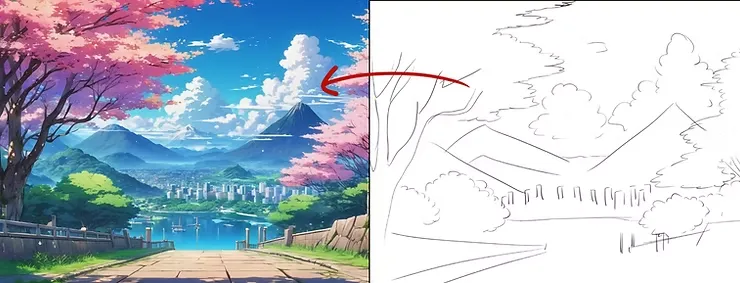
Hello everyone, today I will talk about the new update of the giant and wonderful program Toon Boom Harmony 20It is dedicated to designing anime, cartoons, and all types of animation. It is the only program I have used to design anime films on my own. It is a distinguished and very easy program, to the point that you will be able to design your own anime without any prior experience, and without the need for a studio or team. I designed the anime on my own, from animation and effects to backgrounds and much more. Let's learn together about the program's features.
My online store has everything you need as artists
He did Toon Boom Harmony With significant and new updates that facilitate work and animation, in order to achieve a more beautiful and faster result, this is the version called Toon Boom Harmony 20This is an update from 2020.
Computer requirements:
- order: Windows
- Processor: Intel Core i7, Xeon, or Intel Core i5
- Memory: From 8 to 32 GB
- Accuracy: 1280x800 up to 4K with support for expansion up to 200%
- Graphics card: Recommended: NVIDIA GeForce GTX 1060 or better, RTX 2070
- Drawing board: Wacom Bamboo, Intuos, or Cintiq
- Required space: 1 GB
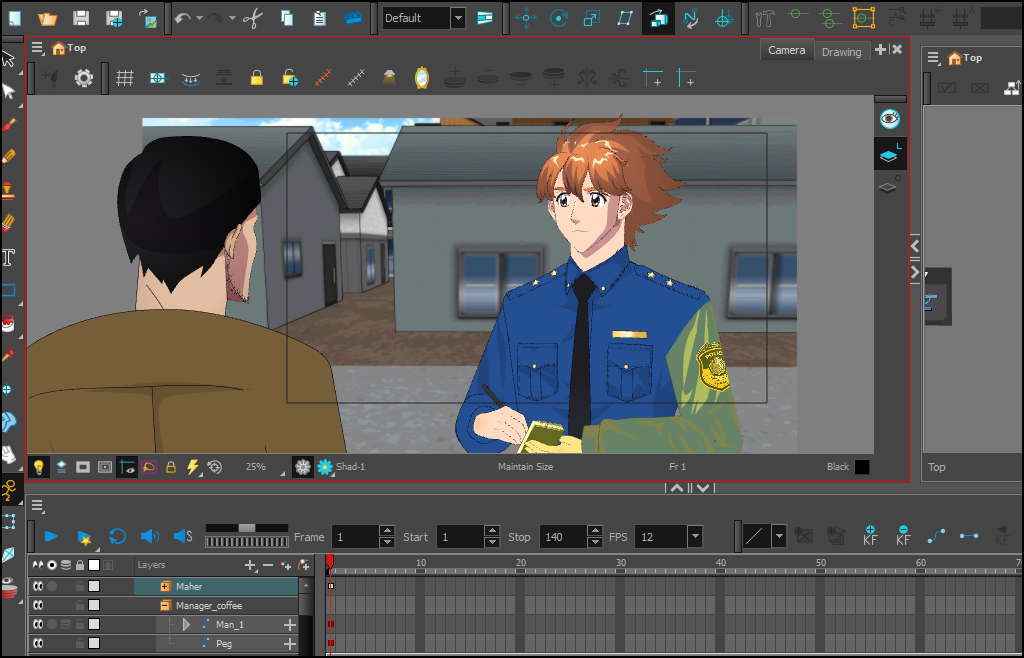
Description of the Toon Boom program:
Toon Boom Harmony 20 It is a leading program in 2D animation.
He owns Brush Pressure Sensitivity While drawing using a tool Brush Tool or Pencil ToolThis gives us perfect control in drawing textures, surfaces, clothing, hair, and more.
It also provides advanced tools such as:
- Colour Picker To choose the colors accurately.
- Light Table To preview the movements between the frames.
- Timeline & Node View For complete control over animation and effects.
- Deformers & Bone Tool To add bones and move the characters easily.
Available versions in the Toon Boom Harmony program:
1. Student Introductory Edition (Harmony Essentials)
It provides the basic drawing and animation tools needed to create great animations.
2. Harmony Advanced
A version designed for independent studios and small studios, supporting full traditional animation plus Cut-out Animation.
3. Harmony Premium
The full professional version for creators and small businesses, and it has tools Deformation وNode-based EffectsThis allows for the creation of highly sophisticated and realistic animation.
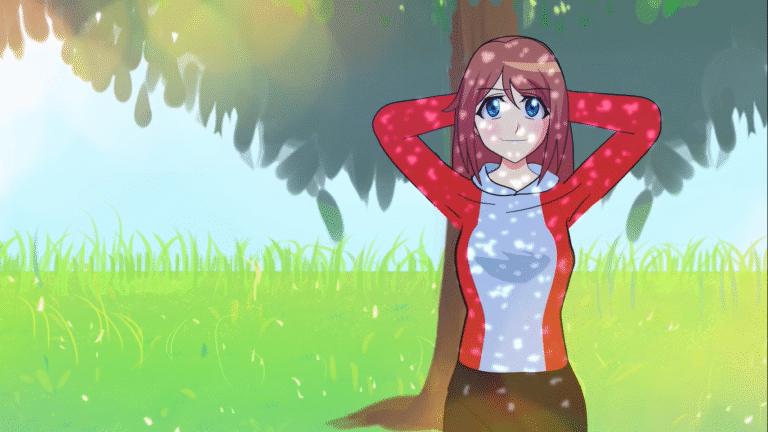
My animation of Eren and Mikasa for the Toon Boom show
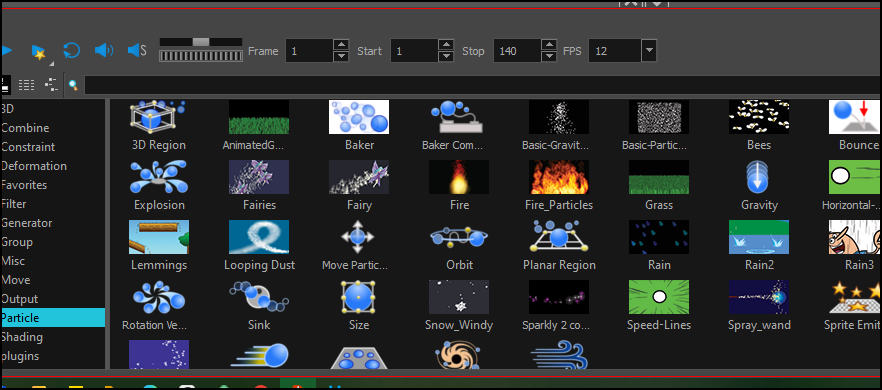
Program features:
- Unlimited creative freedom on our terms.
- High-quality tools and precise sensitivity during drawing.
- A comprehensive program from initial drawing to final output.
- Significant savings in cost and time.
- More realistic and aesthetically pleasing brushes.
- Organized color palettes (Palette List).
- Support for traditional animation and Cut-out Animation.
- Combining two-dimensional and three-dimensional graphics.
- Bone tools and rapid movement control (Bone Tool / Deformers).
- Ready-made effects via Node Library.
- A complete and seamless work environment in a single interface.
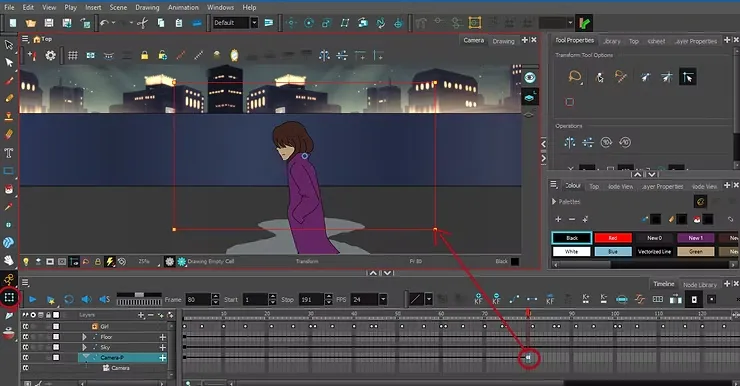
How to download:
All we have to do is:
- Accessing toonboom.com.
- Create an account via Sign Up.
- Go to page Try Harmony.
- Choosing the version that suits us (Essentials / Advanced / Premium).
The official website of the program provides you with a download of a copy of Toon Boom Harmony in order to try it out, check out the new features and enjoy them before getting the paid version. The first thing you do is register on their website, using your email and name. After you open the account, you enter the download page or the word ”Try”, which gives you the options for the three available versions that cover your needs. .
My observations on Ton Boom Harmony:
From my experience of more than fifteen years, I would like to say that it is considered the best without a doubt, due to its functional flexibility and the craftsmanship of the tools that give us the opportunity to produce high-quality anime, and with familiar animation techniques, such as “cut-out” or “frame-by-frame” animation. .
Not only that, but it allows me to move 3D elements with ease, instead of using complex 3D programs like Blender. Also, I mustn't forget that it helped me use bone tools that allowed me to move hair, clothes, and backgrounds.
I translated the article myself from the Toonboom website, and the logo in this post is from toonboom.com
Thank you for reading. Don't forget to share the post so that everyone can benefit.