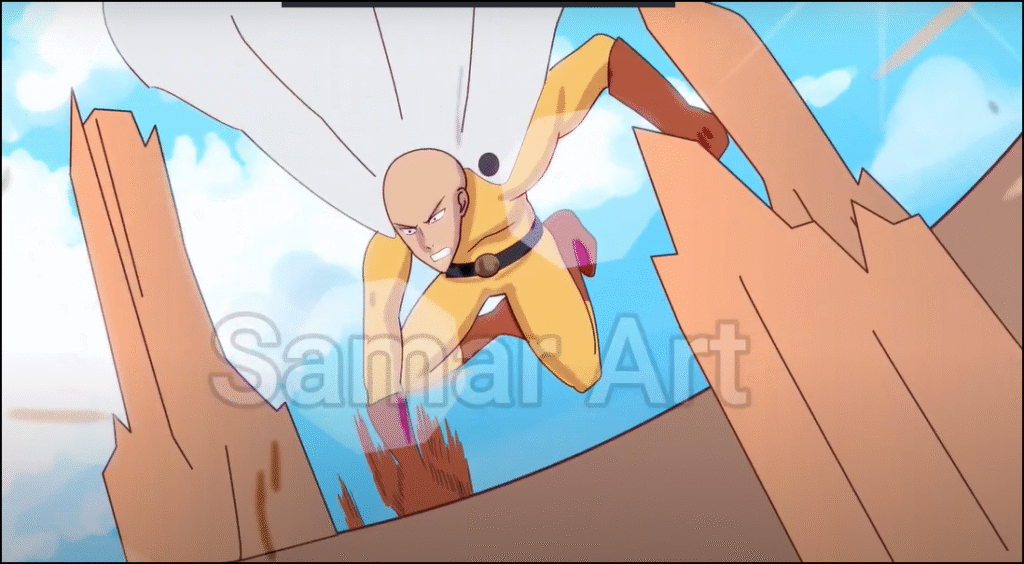
Hello, how are you, creative people? I hope you are doing well. Today, in this post, I will explain in a simple way how I animated the character Saitama from the anime One Punch Man, which is well-known among otaku circles, and in just one day! Yes, that's right! Finishing a scene in a day is not difficult at all, especially when you have free time for that day.
Before I begin explaining, I should mention that I used the program Toon Boom HarmonyIt is designed for animating anime and cartoon characters and creating animation of all kinds. It is important to mention that it is designed for computers only. Yes, there were versions for phones, but unfortunately they are no longer available.
My Patreon account where you can find a detailed screenshot of the animation
First step
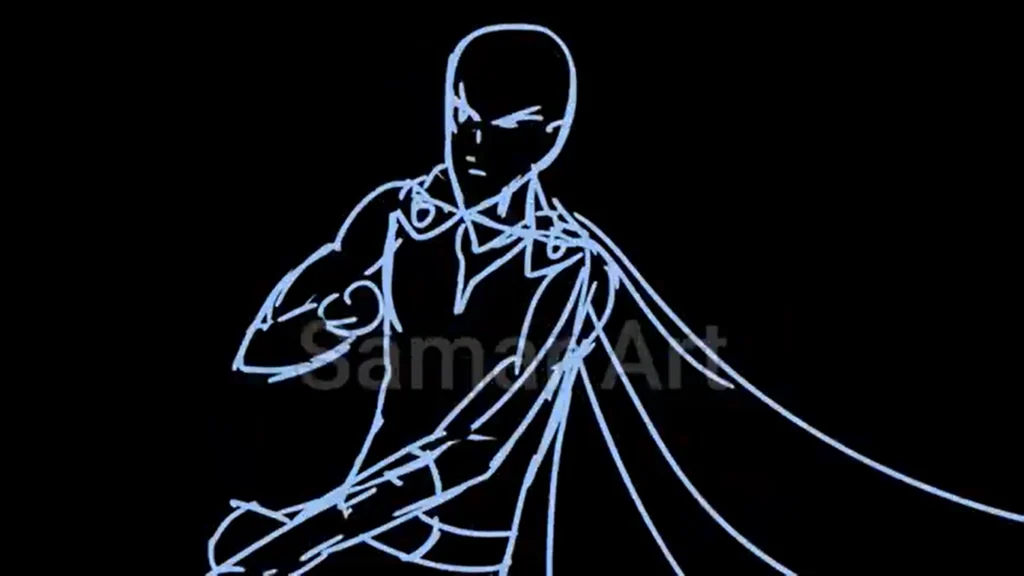
I gathered some pictures of Saitama from the internet and placed them on the screen near the work surface. Then I mentally sketched the movement I wanted: him speaking and then punching the ground hard. After that, I drew... Sketch Simple and quick to move, with adjustments, erasing, and drawing it again until I reach the desired result. This is the most important stage — let your hand be free and draw as you wish, because we will fix everything later.
- We include a picture of Saitama in Toon Boom (File > Import > Images).
- We add a new layer dedicated to the sketch (Add > Drawing Layer).
- We select the pen tool Pencil Tool (P).
- We choose a light blue color if the background is dark.
- We draw the first key movement, and in the next frame the last key movement.
- We add the intermediate frames (In-Between Frames) by drawing frames between the two key movements.
Step two
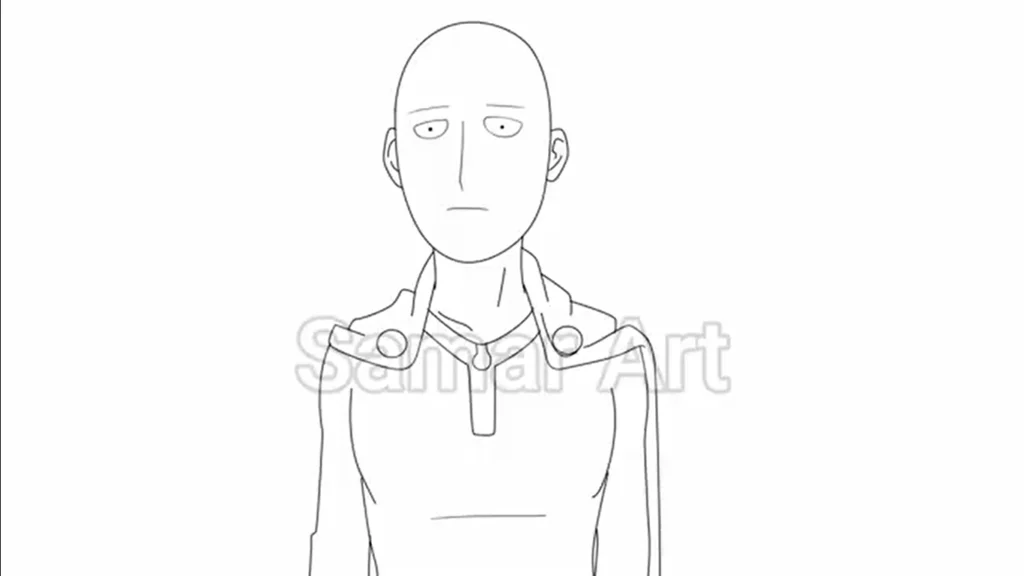
After the quick outlines, I drew directly in black, with cleaner lines over the sketch, but on a separate layer. I repeated this, erasing all previous mistakes, and focused more on making the lines as neat and tightly closed as possible, because the program Toon Boom Harmony It does not fill in colors if there is a small gap in the drawing.
- We add a new layer via Add > Drawing Layer On top of the sketch layer.
- We select the color black.
- We select a tool Brush Tool (B) For inking.
- We reduce the visibility of the sketch layer.Reduce Opacity) To be used as a reference only.
- In the new layer, we draw Saitama's character using the guide drawing.
Step three
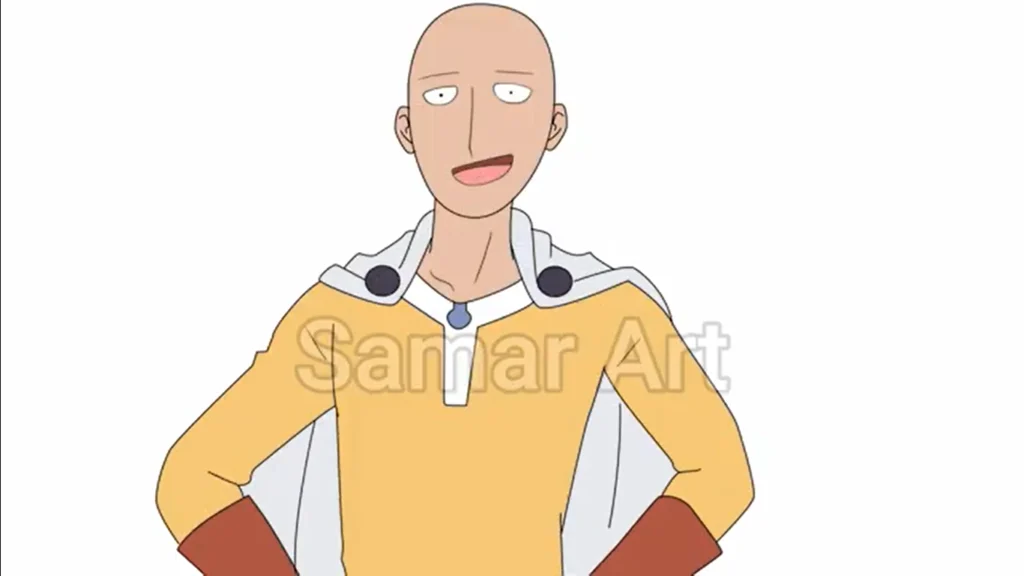
After drawing, I colored without shading, focusing on finishing one color at a time. For example, I colored the clothing yellow in all frames, then moved directly to red and finished it, and so on. I also colored the ground, the stones, and everything surrounding the character, then I incorporated the background I had previously drawn. Clip Studio Paint.
- We select the filling tool Paint Bucket Tool (K).
- We choose the desired color through Color Palette.
- We begin by coloring the required section.
- We move to the next frame in the Timeline Use the arrows or the move-to-the-next-frame tool to complete the coloring.
- We color the ground and stones after drawing them in a separate layer.
- We insert the pre-drawn background (File > Import > Image) and we place it behind Saitama's character.
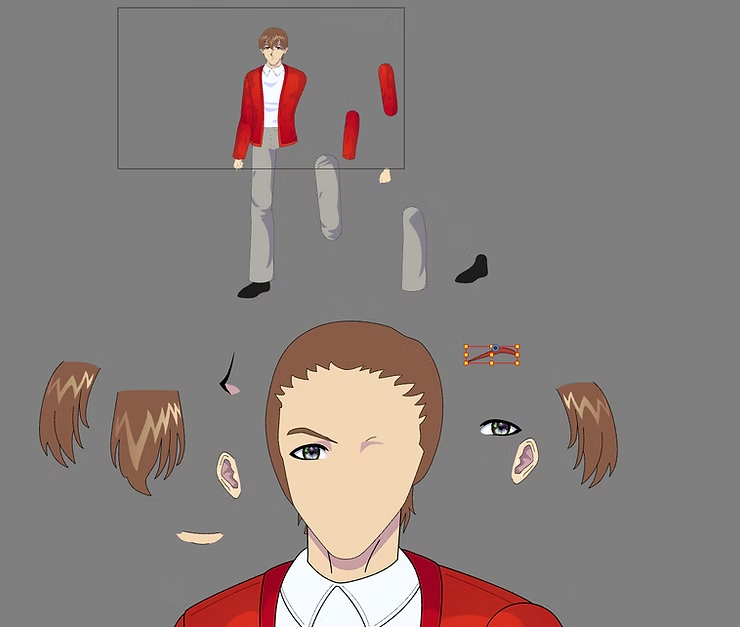
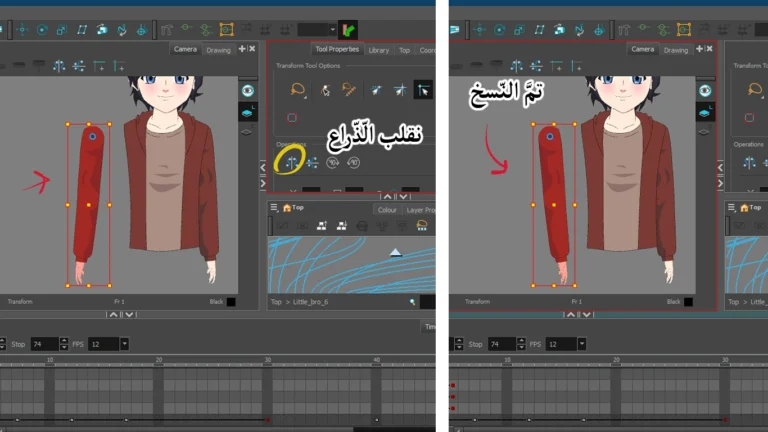
Animating the anime protagonist and his accessories without drawing frames
Step four
The final step is always camera movement and effects, which is the easiest step for me and the one I love the most. I add whatever effects I like and manipulate the camera movement as I wish. As you can see in the video, the camera shakes when Saitama punches the ground. When I finished that, I added lights like sunlight and Bloom Light to give it a more masculine appearance.
- We add a camera to the scene.Insert > Camera).
- We add to it Peg To control movement.
- We create a keyframe (KeyframeIn the first frame and the last frame, we move the camera between them.
- We go to the effects menu (Node Library > FXAnd we add an effect Bloom By pulling it to Timeline.
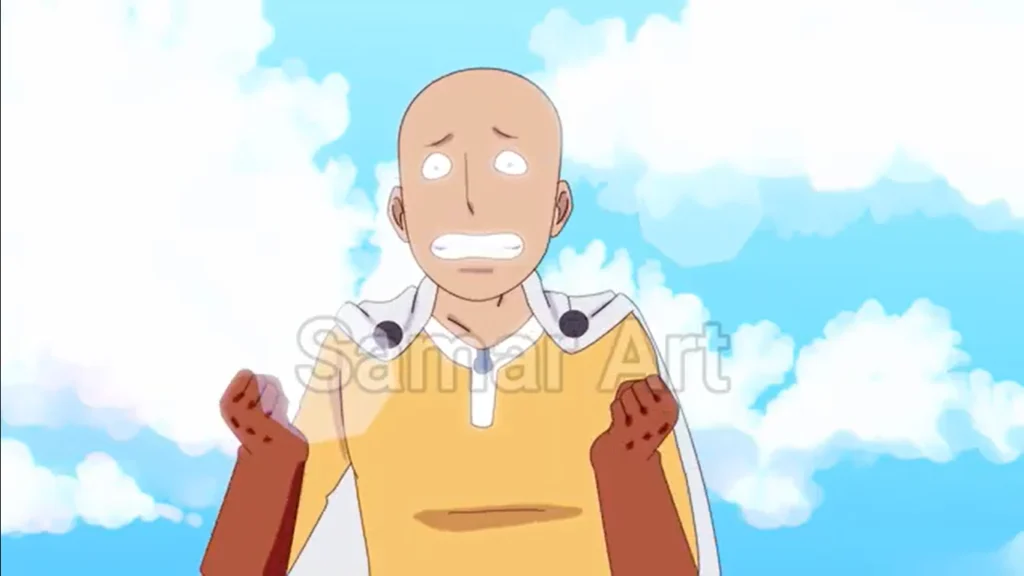
And so I explained, without complication, how I did this scene and moved Saitama from the anime One Punch Man. I started it during the day and finished it at night. I have never in my life finished a complete scene in one day before. It is true that I did Saitama in one day, but it was very tiring, and I did not like the idea of sitting for a long time for one scene, so I do not think that I will repeat this. On the contrary, I found that working on a scene over several days is easier and better and does not cause me fatigue.
Thank you, and I will see you soon, God willing.