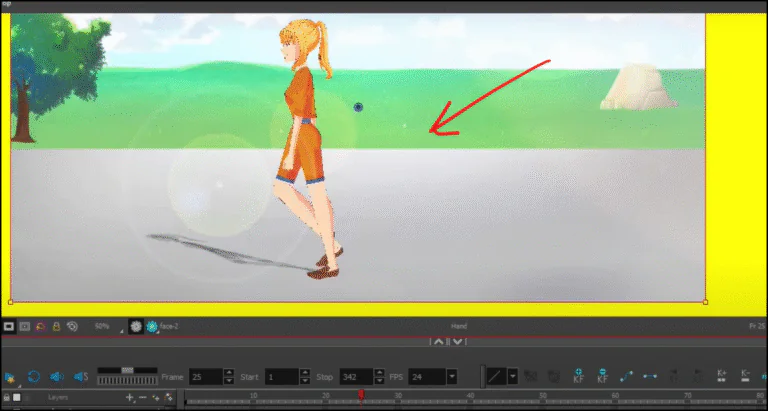
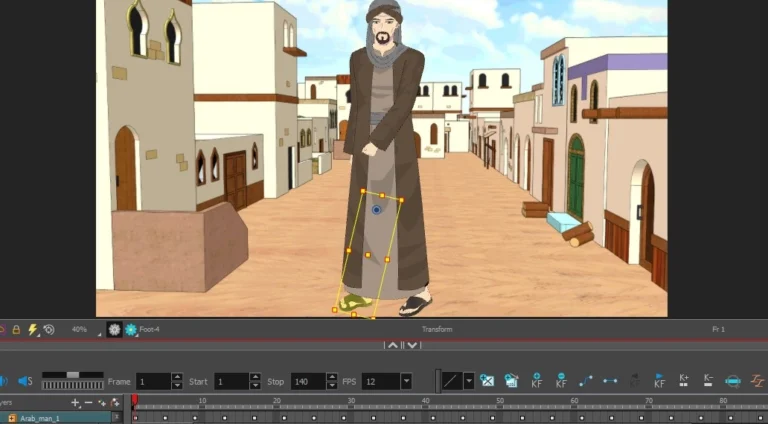
Hello everyone! Today I'm so excited to give you a practical tutorial on how to dub your cartoons and anime using my favorite animation software: Toon Boom on your computer. As you know, in Japan, they dub the dialogue first, and then animate the scenes based on the sound. This method makes animation much easier, as it saves a lot of time and effort for both the animator and the voice actor. Let's get started, step by step.
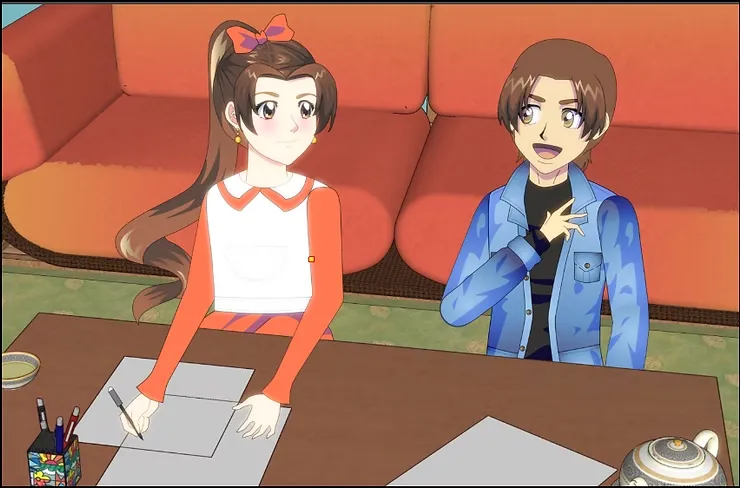
The first step is to import the audio file into Toon Boom Harmony.
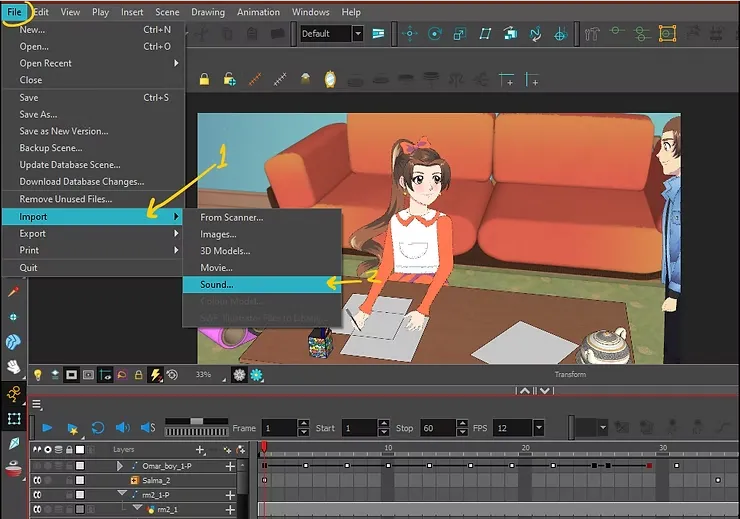
The first step in dubbing a cartoon within the program is to import the audio file into the project. We begin by:
Go to the top menu File > Import > Sound
My online store has everything you need as artists
This option means “Import audio”, and a window will appear for you to select the audio file from your device.
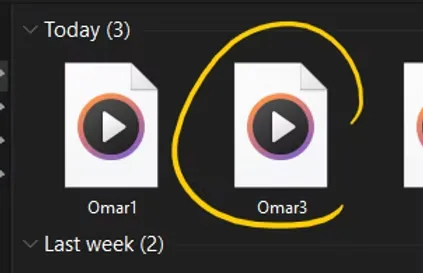
The second step is to play and review the audio.
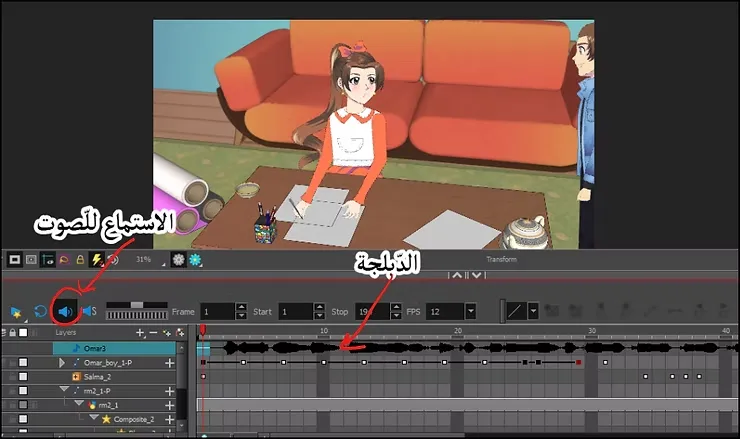
To listen to the audio directly from within the program:
- Click on the icon Speaker (Speaker) Blue in the control bar.
This way you can hear the dubbing and know where to stop and resume, and this is important for professional lip syncing.
After selecting the audio file, press on okay. You will find that the sound appeared directly in the TimelineYou can now see the sound waves within the track. This is very useful because it shows when the dialogues begin and end.
The third step is to isolate the mouth layer to move the lips.
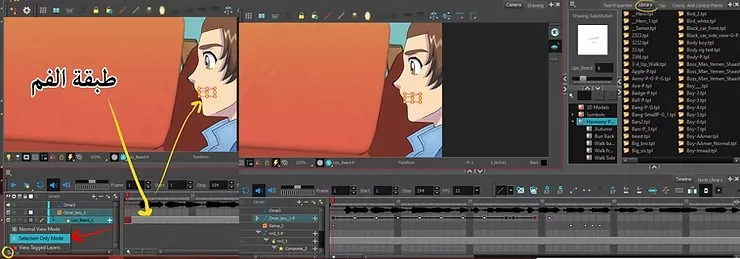
Now we move on to the stage of mouth animation and dubbing of cartoons and speech according to the voice. Toon Boom HarmonyIt is best to separate the mouth layer from the other elements. We do this by:
- We enable the option to show layers individually in Timeline.
- Identify the mouth layer alone, so that you only see the sound and the lip layer in front of you.
comments
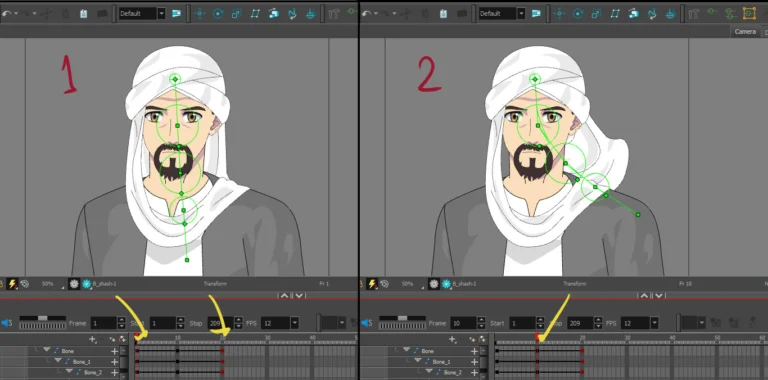
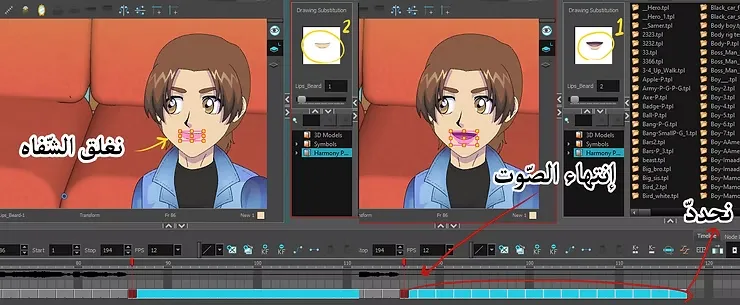
You will notice that you have three basic drawings of the mouth:
- closed mouth
- mouth half open
- mouth wide open
Here in the picture, you can see the lip movements: “1” when the lips are half open, and “2” when the lips are more open.
This is clearly evident in the image below.
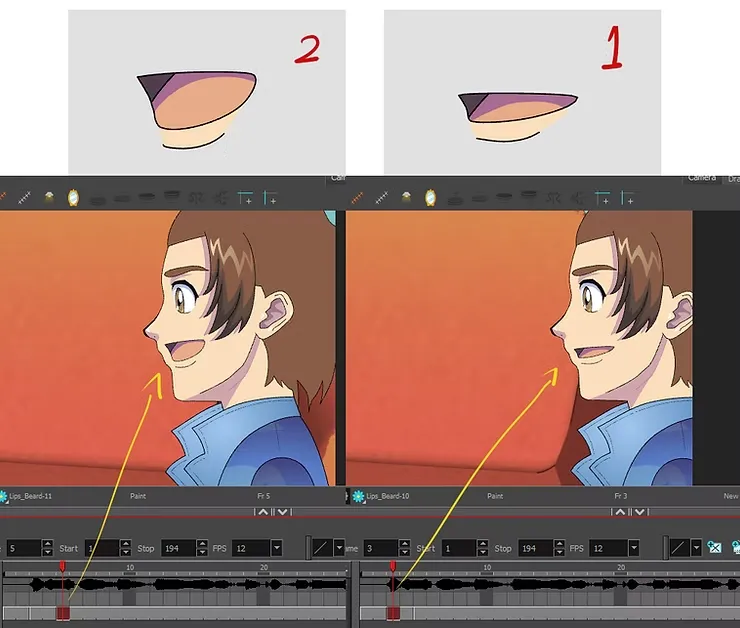
Step four: Moving the lips according to the sound wave while dubbing the cartoon in the program.
To achieve synchronization between mouth movement and voice:
- Monitor the frequencies in the Timeline
- Distribute the mouth movements in the following sequence:
- closed
- Half open
- open
- Then return to closing
Repeat this pattern along the sound wave. You don't need to match every spoken letter; just make your mouth move in line with the overall rhythm of the sound.
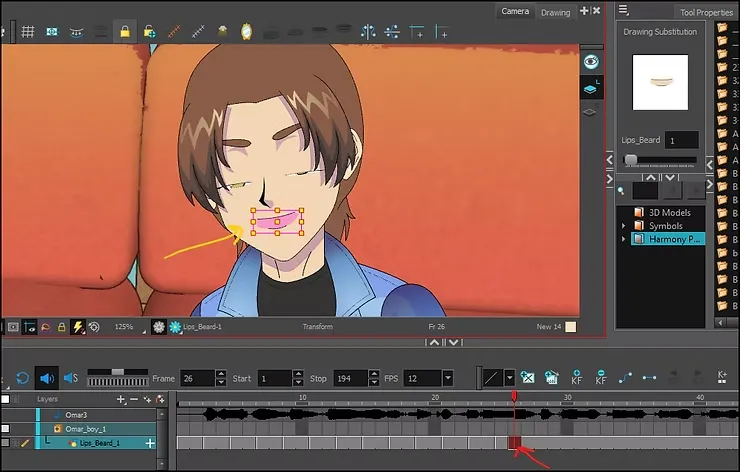
I drew the lips beforehand in the program and added them to the library, so that I don't have to draw them every now and then. It is enough to move the arrow located at the lips library to get various drawings of the mouth.
Here on the right, you see the lips, one rounded and the other smiling. You can add them to the speech animation as well. This is optional and will improve the cartoon dubbing in your work.
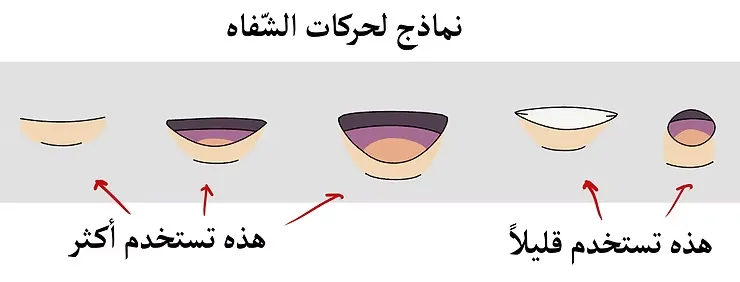
Step five: Using the lip library in Toon Boom
I personally drew all the mouth positions beforehand, and stored them in Library (The library). When needed:
- We open Library From the right side.
- We drag the desired mouth drawing to the appropriate layer.
- With this, we don't need to draw every time, we just drag and paste.
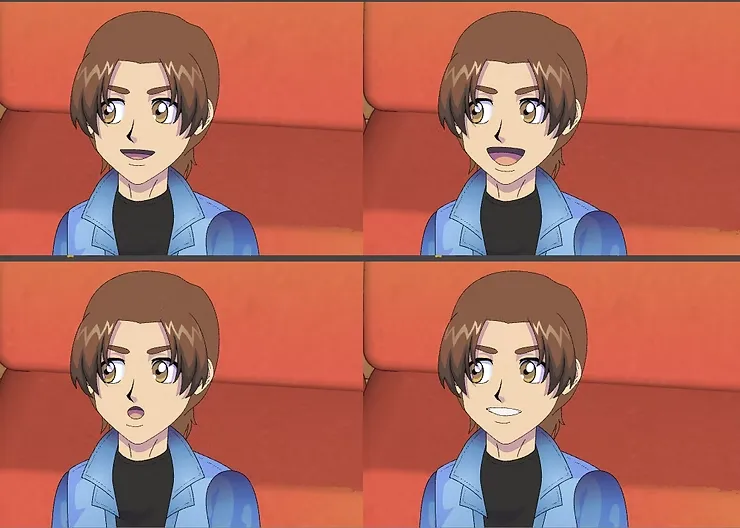
Step six: Dealing with sound interruptions
Pay close attention to the end of the sound wave. When the character finishes speaking:
- We return the mouth to the closed position.
- We hold this position until the sound returns again.
When the character continues speaking, we re-paste the sequence of mouth movements into the new frames.
Step seven: Editing the audio track
If you want to adjust the timing of the speech:
- Identify the audio track in the Timeline.
- Pull it to the right or left as needed.
- To delete any part, select the section and then press the button. Delete From the keyboard.
How to dub your own anime from home like a studio
In this way, you have complete control over the dubbing of the cartoon and the arrangement of the dialogue cuts according to the timing of the scene.
And so, my friends, these were the steps I actually use in dubbing cartoons and anime alike using Toon Boom Harmony, and they made me finish my work faster and better. I no longer need to synchronize lip movements with sound and editing anymore, because that is tiring, and sometimes inaccurate. Thank you, and I will meet you in a new lesson, God willing.