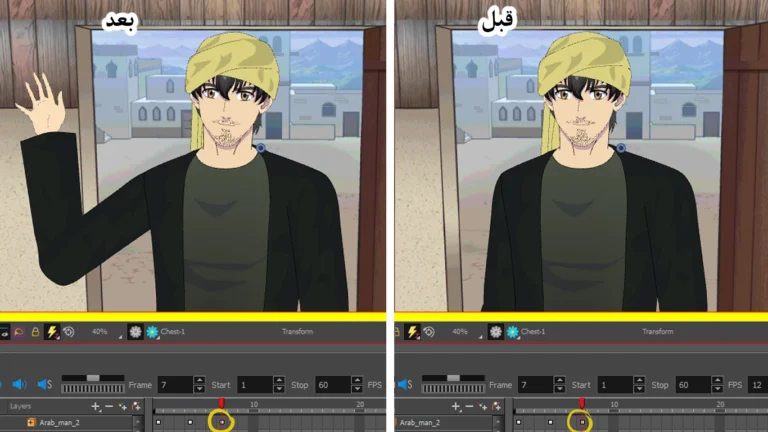
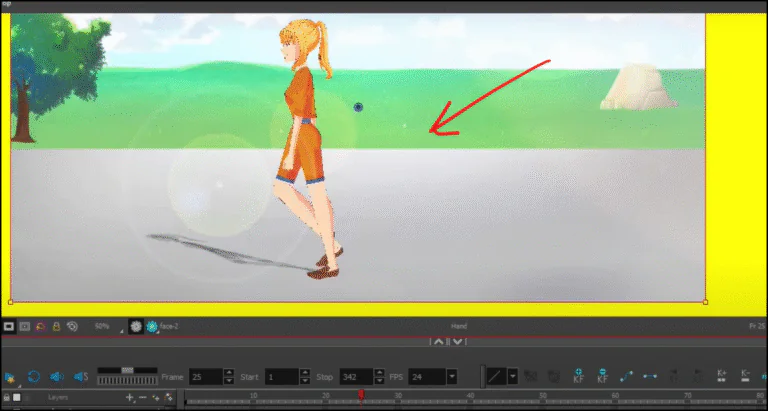
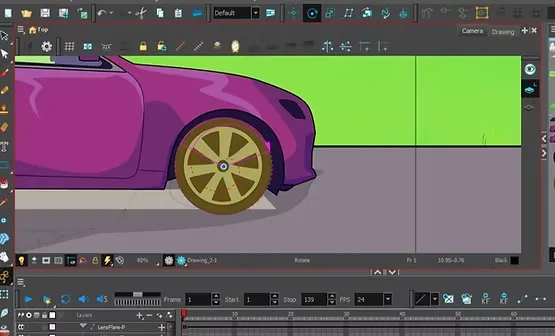
Hello everyone, I'm back after a long absence as I was working on several projects related to the anime industry, and today I'm back to give you a practical lesson on the Toon Boom program, which is one of the most powerful anime and animation programs in the world.
In this lesson, we will take a quick, practical look at how to use Toon Boom to animate characters professionally. I will return soon with a detailed explanation covering tools, shortcuts, and advanced work techniques to help you enter the world of anime production with strength.
A complete explanation of the Toon Boom Harmony program with video and images
The full video is here: https://youtu.be/rEwYl4D4ACg
In this lesson, we will use the character Mamoun from the anime Fire, which we are currently working on, as a model for practical application.
Interface
On the Toon Boom main interface, you'll find the Layers menu on the left side. This is one of the most important tools for creating anime within the program, as it allows complete control over all aspects of the character. For example, the head has separate layers for the hair, eyes, mouth, nose, and ears. You can animate the entire head along with its components, or you can animate each part separately, depending on the needs of the scene you're working on while creating the anime.
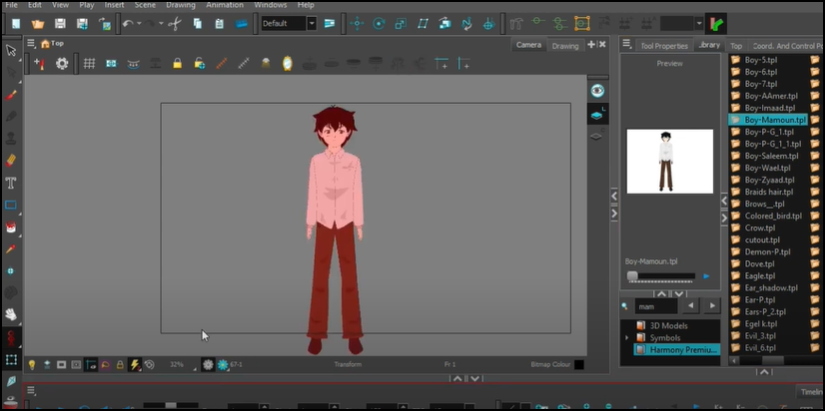
Upper section
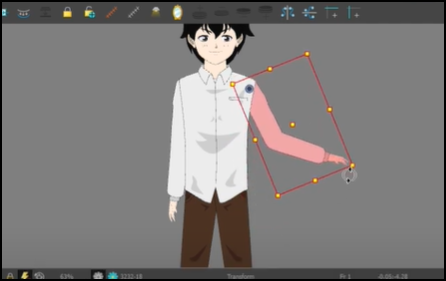
The same applies to the torso in Toon Boom, which includes the head, neck, and arms, and can all be moved together or the arm, elbow, and hand can be moved separately. This flexibility in Toon Boom is very important during anime production because it helps you create natural and smooth character movements.
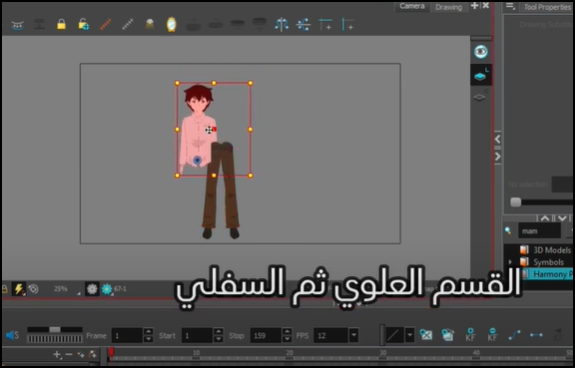
Lower section
The lower part of the character contains the legs and feet in separate layers within Ton Boom, and you can move them together or each part separately, giving you the ability to design movements such as walking and running with ease.
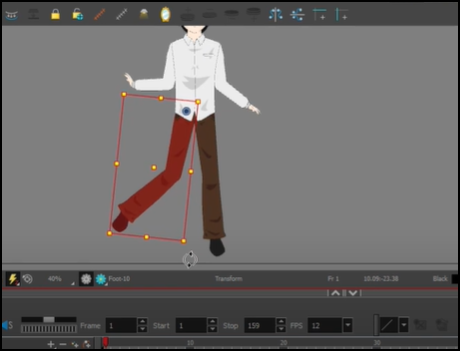
Some features of the animation and cartoon program
You can divide the character into layers such as the head, arms, legs, and face, and move each part separately or together smoothly while making the anime.
Bone mobilization support:
Toon Boom offers the feature Rigging To add bones to the characters, making them easier to move without having to redraw them in every frame.
A library ready for animations:
You can save mouth and hand movements in advance (smile, speech, gestures) and recall them when needed to speed up the anime creation process.
Frame-by-frame animation support:
You can work in the traditional animation style to simulate classic anime movement with full control over the speed of movement and the number of frames.
Adding visual effects is easy:
Toon Boom supports adding shadows, special effects, and transitions between scenes professionally within the anime production project.
Scene and camera management:
You can control the camera movement within the program, and easily zoom in or move the scene to add dynamic movement to your scenes.
A flexible and organized interface:
The program's interface is clear and organized, making learning and using Toon Boom in anime production enjoyable even for beginners.
High output quality:
You can produce projects in high resolution (HD or 4K), making it suitable for creating anime for posting on YouTube or other platforms.
You will also notice the library within Toon Boom, which is a great tool in anime making where you can save multiple drawings of mouth movements such as speaking, smiling, silence, or anger, and apply them directly to the character without having to draw the mouth anew in every scene, which saves a lot of time and effort during production.
The same applies to hand movements, where multiple movements such as pointing, catching, opening, etc., can be drawn in advance and saved in the library for use when needed while working on your anime project using Toon Boom.
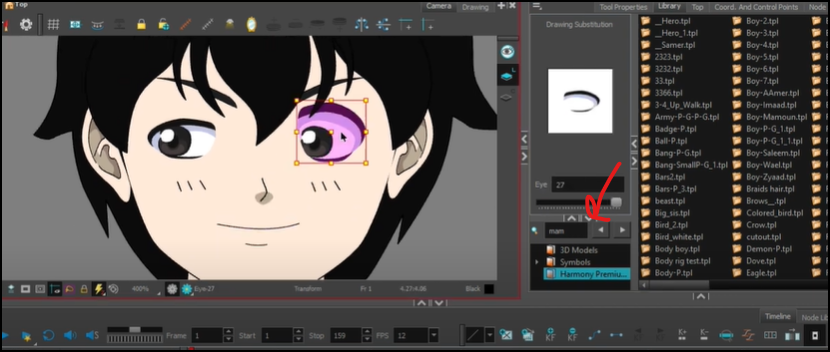
The program's advantage is that it supports multiple animation techniques, including bone animation and traditional frame-by-frame animation, making it a powerful and flexible tool in all stages of animation, whether you are working on a long series or a short video.
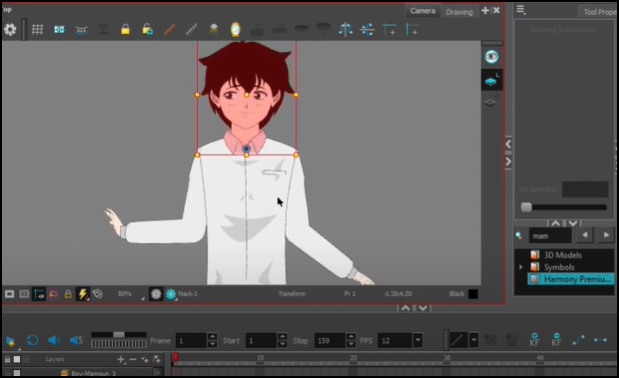
The video accompanying the lesson will help you see how to use the program during animation, from importing the character and moving the layers, to using the library to quickly switch facial features according to the emotions required in the scene.
This concludes today’s lesson on Toon Boom, anime production, and character animation. I hope this lesson has given you a strong push to start creating anime from your home using the tools and layers professionally within Toon Boom.